9513805401

ACE Labs · Data recovery

PC-3000 Data Recovery Tools Explained

ACE Laboratory builds the PC-3000 range used by data recovery and forensic labs to repair failed drives and pull data off them. This page summarises each system so you can see which one fits your lab, and how to ask Craw Security about training or services.

PC-3000 rangeHDD, SSD and RAIDTraining enquiries welcome
50,000+
Students Empowered
100%
Career Assistance
70+
Programs Offered
16+
Years of Legacy
200+
VAPT Audits Completed
500+
Students Placed
200+
Hiring Partners

What ACE Labs makes

ACE Laboratory designs hardware and software kits for repairing damaged hard drives and recovering their contents. Its products are sold under the PC-3000 name, and each pairs a hardware unit with a companion program called Data Extractor. According to the company, it has supplied these tools for about 26 years to customers in roughly 115 countries.

Craw Security presents the range for forensic and recovery professionals in India and offers training and professional services around it. If you only need to repair a drive, you generally need the hardware unit; if you also need to extract data, the Data Extractor software is added.

02

The systems at a glance

SystemBuilt forNotable points
PC-3000 ExpressLabs of any size handling damaged SATA or PATA drivesHardware plus Data Extractor Express; for repair only the Express unit is required.
PC-3000 UDMAForensic and recovery labs working with SATA and IDE disksAvailable for 3.5-inch desktop drives, and 2.5-inch and 1.8-inch laptop drives.
PC-3000 PortableOn-site recovery where media cannot leave the premisesMobile kit that reads damaged SD, microSD, USB, SATA, PATA and PCIe media.
PC-3000 SSDRepairing and reading corrupted solid-state drivesWorks with SATA, PATA and mSATA interfaces, from 64 GB up to 1 TB, and runs on Express, UDMA or Portable hardware.
PC-3000 UDMA RAIDOrganisations that recover RAID sets regularly but not urgentlyCombines UDMA hardware with the RAID edition of Data Extractor.
PC-3000 Express RAIDLabs that deal in RAID recovery as a serviceHandles SATA and PATA arrays in layouts such as stripe, mirror and JBOD.

03

Picking the right system

Single drives in a fixed lab

Express or UDMA suits a bench that repairs a steady stream of hard disks.

Work at a client site

The Portable system is meant for sensitive data that may not be taken out of the office.

Flash and solid-state media

Add the SSD software to one of the three hardware platforms when drives use flash chips.

Failed arrays

Choose a RAID edition when the problem is a multi-disk set instead of one drive.

04

How to start a conversation with us

  1. 1

    Describe your lab

    Tell us the type of media you recover and how many jobs you handle.

  2. 2

    Email or call

    Write to [email protected] or call +91-9513805401.

  3. 3

    Get a recommendation

    We suggest a system and discuss training or services around it.

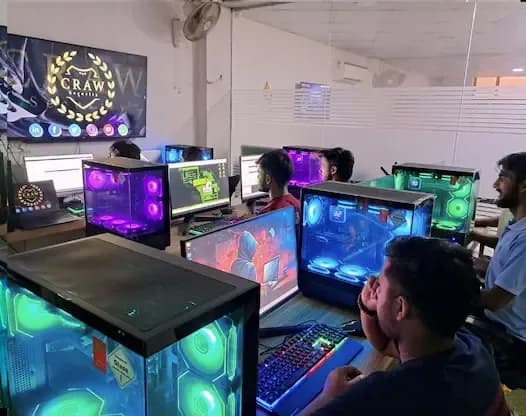
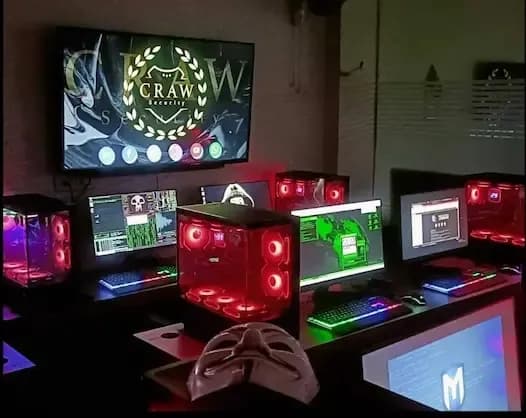
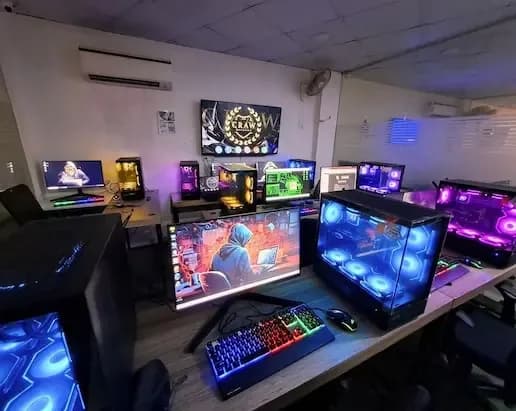
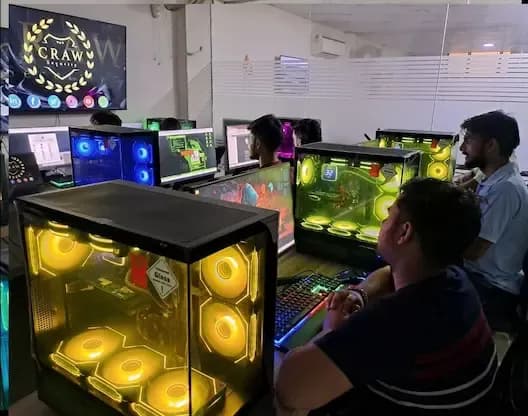
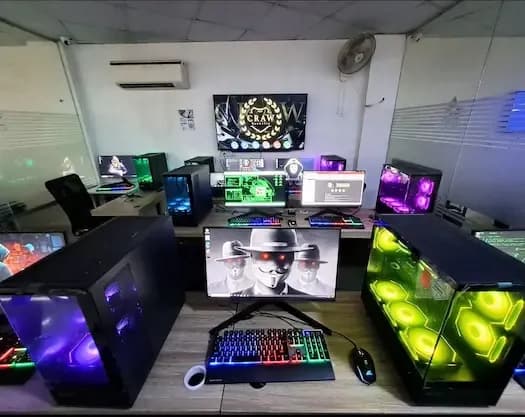
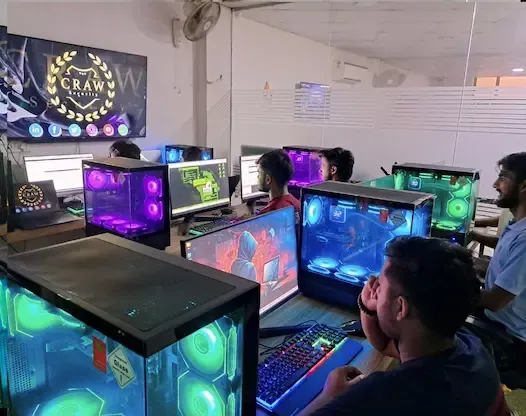
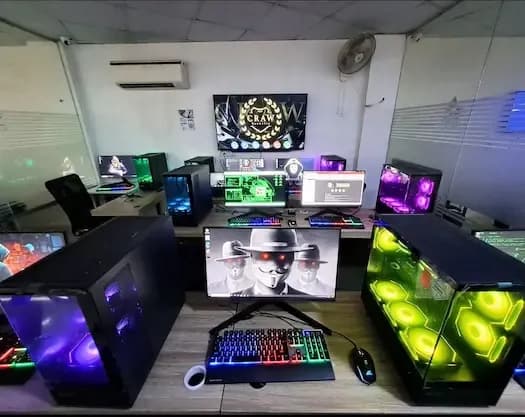
Inside our hands-on training labs
Craw Security training lab photo 1
Craw Security training lab photo 2
Craw Security training lab photo 3
Craw Security training lab photo 4
Craw Security training lab photo 5
Craw Security training lab photo 6

Placements

Recent Placement Success Stories

Meet the graduates who turned training into careers

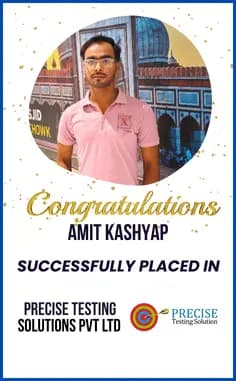
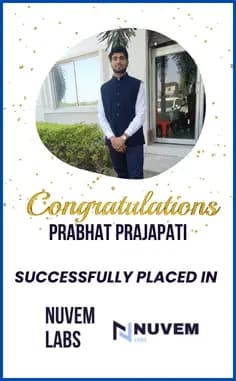
Placed Craw Security student card 1
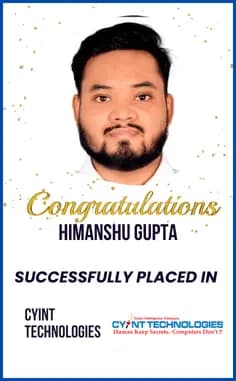
Placed Craw Security student card 4
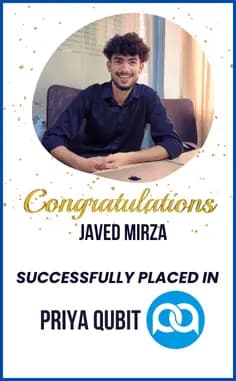
Placed Craw Security student card 7
Placed Craw Security student card 10
Placed Craw Security student card 13
Placed Craw Security student card 16
Placed Craw Security student card 19
Placed Craw Security student card 22
Placed Craw Security student card 25
Placed Craw Security student card 28
Placed Craw Security student card 31
Placed Craw Security student card 34
Placed Craw Security student card 37
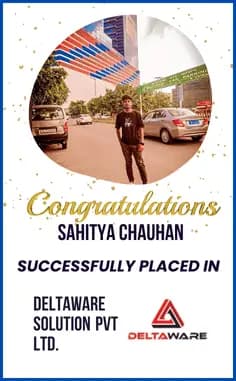
Placed Craw Security student card 2
Placed Craw Security student card 5
Placed Craw Security student card 8
Placed Craw Security student card 11
Placed Craw Security student card 14
Placed Craw Security student card 17
Placed Craw Security student card 20
Placed Craw Security student card 23
Placed Craw Security student card 26
Placed Craw Security student card 29
Placed Craw Security student card 32
Placed Craw Security student card 35
Placed Craw Security student card 3
Placed Craw Security student card 6
Placed Craw Security student card 9
Placed Craw Security student card 12
Placed Craw Security student card 15
Placed Craw Security student card 18
Placed Craw Security student card 21
Placed Craw Security student card 24
Placed Craw Security student card 27
Placed Craw Security student card 30
Placed Craw Security student card 33
Placed Craw Security student card 36

Companies that have hired our graduates

Hiring company logo 1
Hiring company logo 2
Hiring company logo 3
Hiring company logo 4
Hiring company logo 5
Hiring company logo 6
Hiring company logo 7
Hiring company logo 8
Hiring company logo 9
Hiring company logo 10
Hiring company logo 11
Hiring company logo 12
Hiring company logo 13
Gallery

Photos and highlights

  • ACE Lab data recovery

Frequently asked questions

What is PC-3000?

It is ACE Laboratory's family of hardware and software kits for repairing damaged drives and recovering the data stored on them.

Do I need Data Extractor as well as the hardware?

To repair a drive on Express you need only the hardware unit, but to recover data you need both the hardware and the Data Extractor software.

Which PC-3000 system works on SSDs?

PC-3000 SSD software runs on the Express, UDMA or Portable hardware and supports SATA, PATA and mSATA drives from 64 GB to 1 TB.

Is there a version for on-site work?

Yes. PC-3000 Portable is the mobile option for recovering data without taking media out of the client's premises.

How do I ask about training or services?

Email [email protected] or call +91-9513805401 to discuss ACE Labs training, certification or professional services.

Need Help?
9513805401

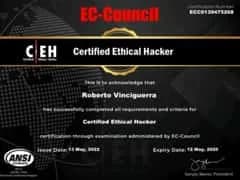
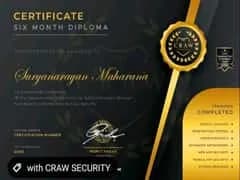
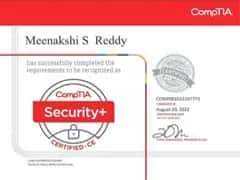
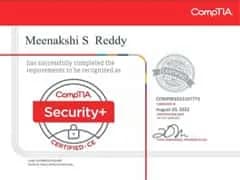
Certificates earned by our learners
Student certificate 1
Student certificate 2
Student certificate 3
Student certificate 4
Student certificate 5
Student certificate 6
Student certificate 7
Student certificate 8
Student certificate 9
Student certificate 10
Student certificate 11
Student certificate 12
Student certificate 13
Student certificate 14

Interested in PC-3000 training or supply?

Send us your requirements and we will recommend the right ACE Labs system.

Your cybersecurity career starts here